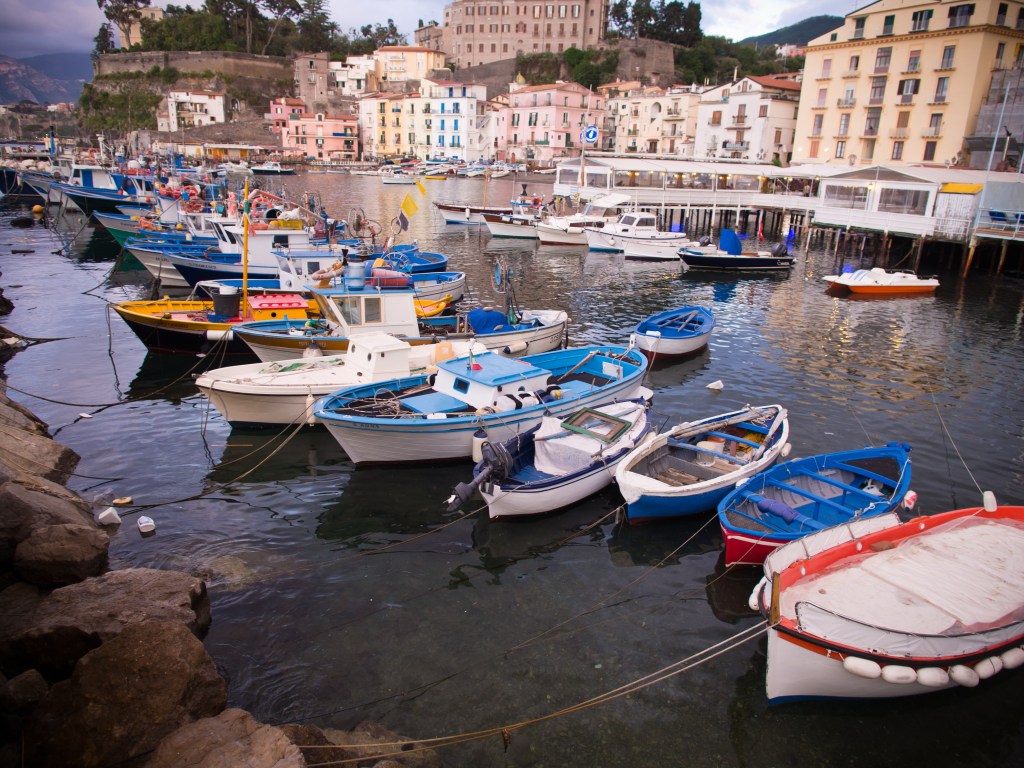
White balance is simply the colour temperature at which white objects actually appear white in your digital photograph. The colour temperature of daylight is somewhere between 5000 to 6500 K.
So how do you know if the white balance is off? Everyone has taken a photo at night indoors and the photo had a yellowish colour to it. That’s because the white balance was off.
You can set your white balance in the camera menu when you’re shooting JPGs or wait and fix it in your RAW photo editor when shooting in RAW format.
It’s just about that simple but for more exacting and experienced photographers there are ways to use a custom white balance setting for even more accurate renditions of the colour balance in your images.

There are custom disks that fit over your lens. Here you shoot one frame to use in software as an accurate reference to set the white balance in your RAW editor. You do this by pointing your camera with the disc over the lens at the scene or person you wish to shoot. Then while shooting in RAW you just continue shooting as normal knowing you have one frame that is going to be used in your editor to colour balance for all the rest of the images (so long as they were shot in the same lighting situation).
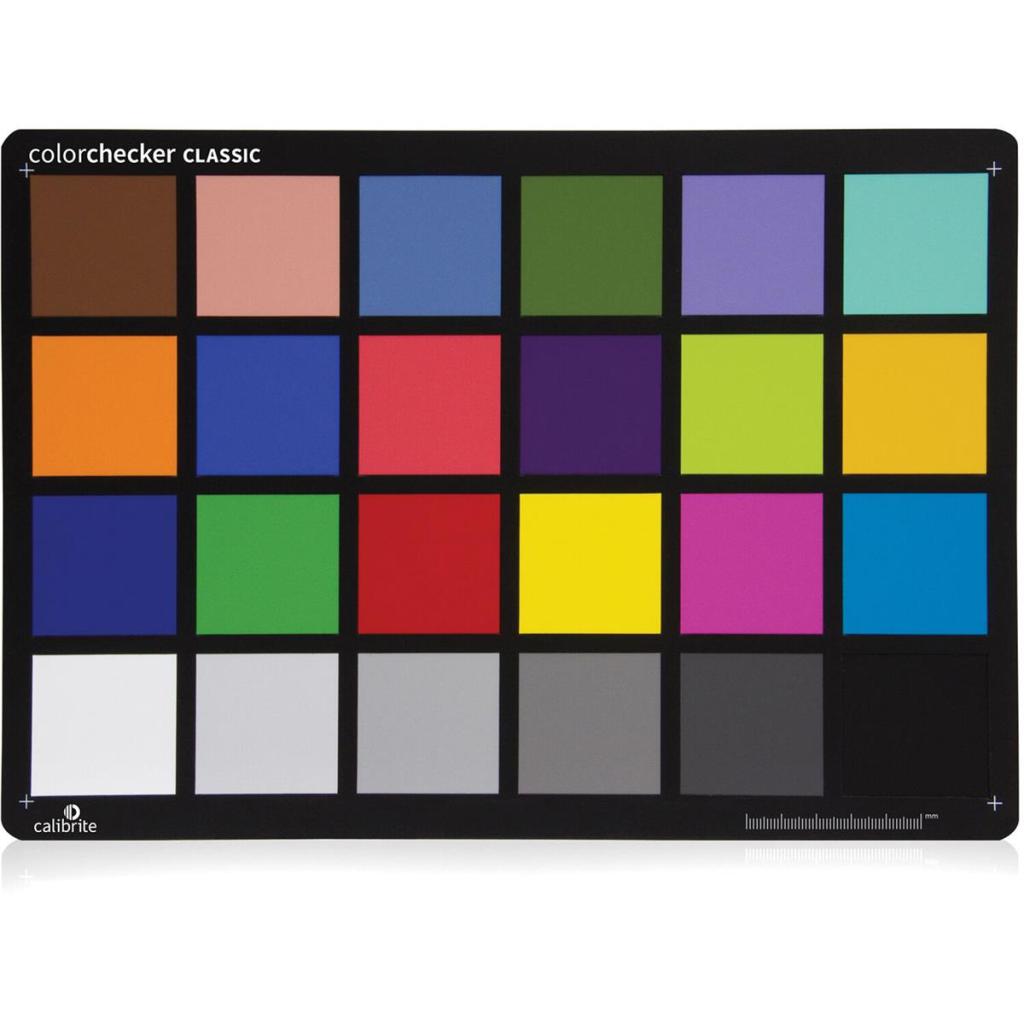
There is also a “colour checker” that is a colour chart and calibration tool for digital photography. You just shoot one frame with the colour chart in the photo under the same lighting situation as you’re going to shoot the rest of your images.
Both devices work very well for setting an accurate white balance. But why bother? If you’re shooting JPGs and the camera is set to auto basically it should get the exposure and the white balance just about every time. But by now you’ve got a pretty good idea that shooting in RAW mode has some significant advantages to shooting JPGs.
However there are some shooting situations such as the yellowy indoors or shooting snow or (and way more importantly) when shooting the white dress of a bride while she’s standing in green grass or in a room with let’s say blue walls (happened to me once on a job) you’re going to have to get the white balance right and you’re going to have to be shooting in RAW format.
You can guess the white balance and set it in your camera but it won’t be 100 per cent accurate. Candle light is 1,000 to 2,000 K. Lamps in your house will be around 2,500 to 3,500 K. Sunrise and sunset will come in at 3,000 to 6,000 K. A clear sky day will be 6,000 to 6,500 K. Cloudy days will register at 6,500 to 8,000 K and a heavy overcast will come in from 9,000 to 10,000.
White balance issues apply mainly to digital photography as film itself is sold at preset white balance numbers. For example most colour film is sold as daylight balanced and a few films are balanced for tungsten for shooting under artificial tungsten lighting.


Leave a Reply