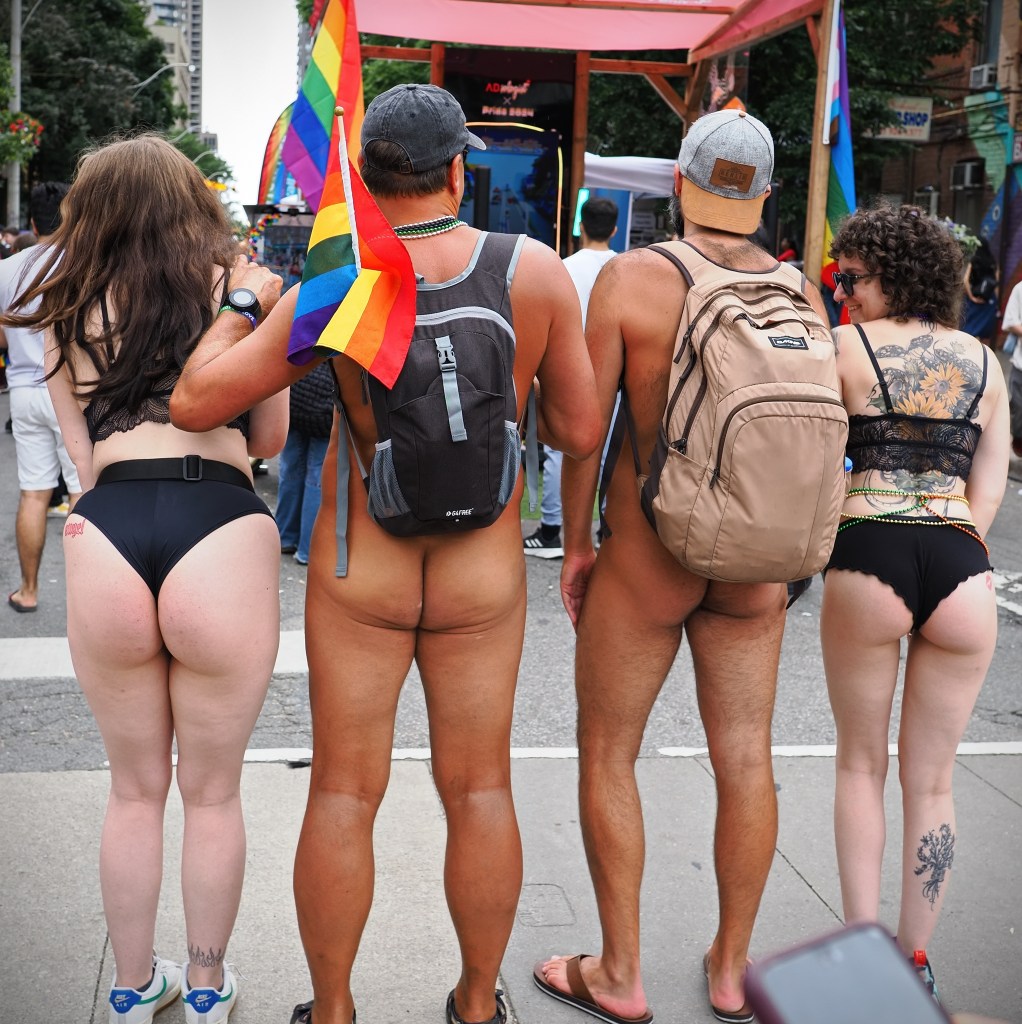
So what’s white balance?]
White Balance is the camera setting or the setting in your RAW editor that adjusts how colours appear in an image. When shooting auto in JPG format the white balance is locked into your image set by the camera itself. In other words if your image is too blue or too yellow or skin colour looks off there’s not much you can do about it.
But if your change the white balance in your camera’s menu to daylight, shade, cloudy, flash, or tungsten or fluorescent depending on your lighting source then your JPG image colours will look a lot more natural.
But there’s a better way to find the correct white balance and that’s to shoot in RAW format because then you can use your RAW photo editor to change the white balance to precisely the correct number (usually shown in Kevin degrees).
For even more accurate white balance settings you can use an 18% grey card which you shoot as a test frame under the light you have and then in your RAW editor you use this frame to set the correct white balance.
White balance is a much more complicated topic and for more information there are a ton of great videos on You Tube that will help you understand white balance and light.
 StreetShooters
Leave a comment